101+ Linux Commands PDF Guide
101+ Linux Commands PDF: Your Ultimate Guide to Mastering Linux is your cheat sheet to unlock the terminal’s full potential.
Linux’s true power lies in its command line—but memorizing every flag and syntax can feel overwhelming. Whether you’re a newbie or a seasoned admin, "101+ Linux Commands PDF: Your Ultimate Guide to Mastering Linux" is your cheat sheet to unlock the terminal’s full potential.
Why This Guide?
This 300-page PDF isn’t just a list—it’s a structured roadmap to Linux mastery:
- Beginner-Friendly: Starts with basics like
cd,ls, andpwd. - Advanced Ready: Covers
awk,sed,cron, and kernel tuning. - Offline Access: Learn on planes, trains, or during late-night coding sessions.
Table of Contents
Main Sections
- 101 Linux commands Open-source eBook
- Hacktoberfest
- About me
- Ebook PDF Generation Tool
- Book Cover
- License
Commands and Sub-sections
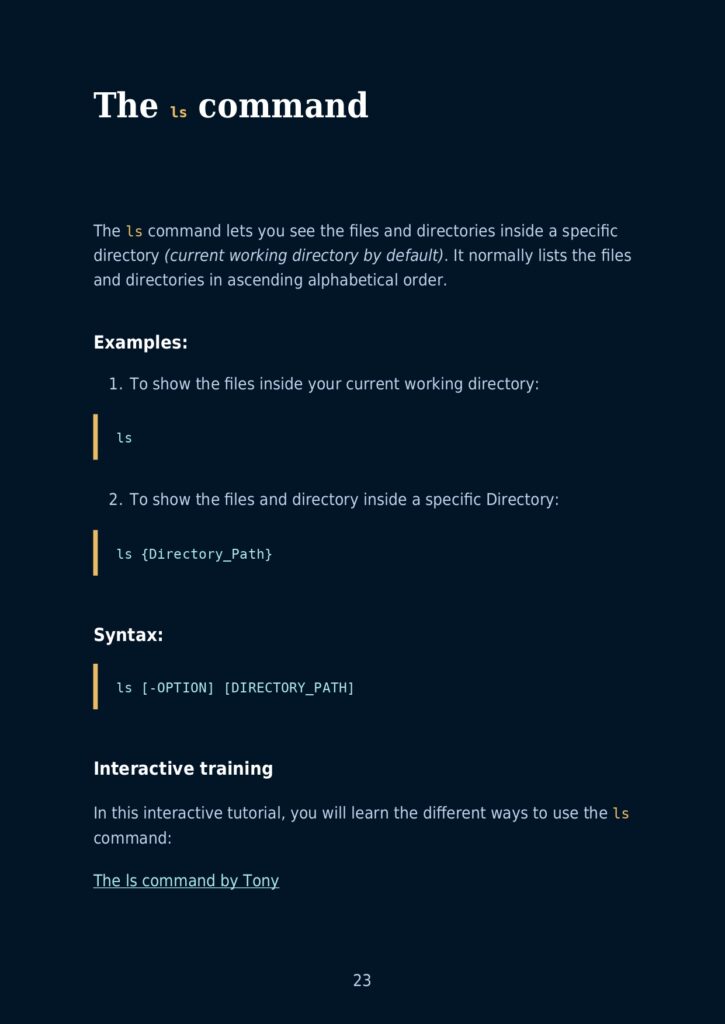
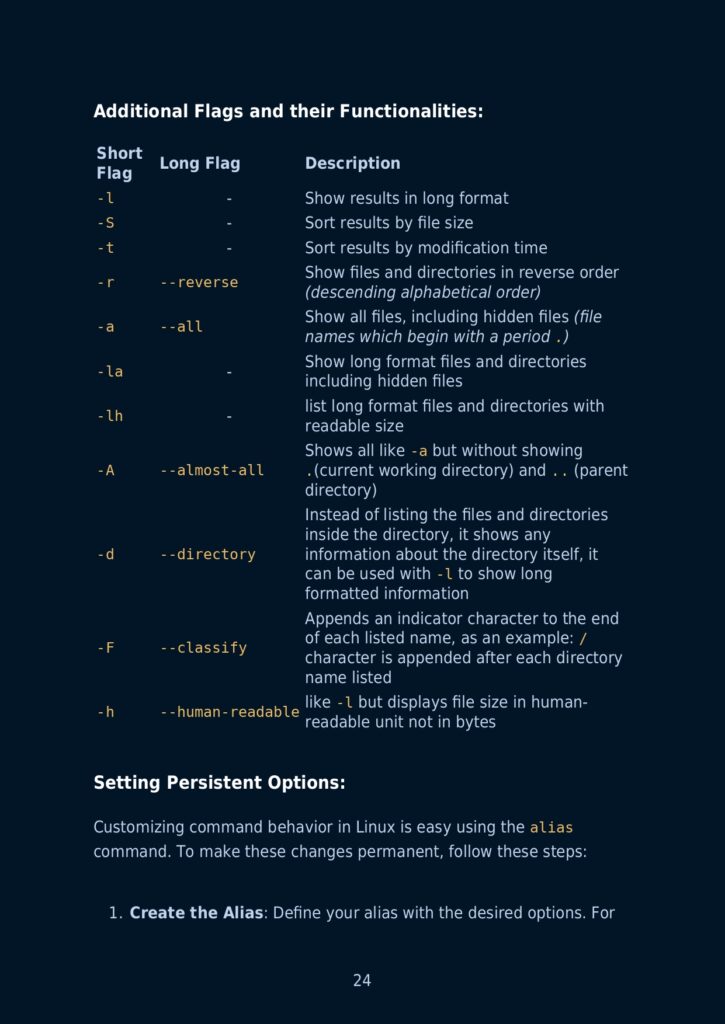
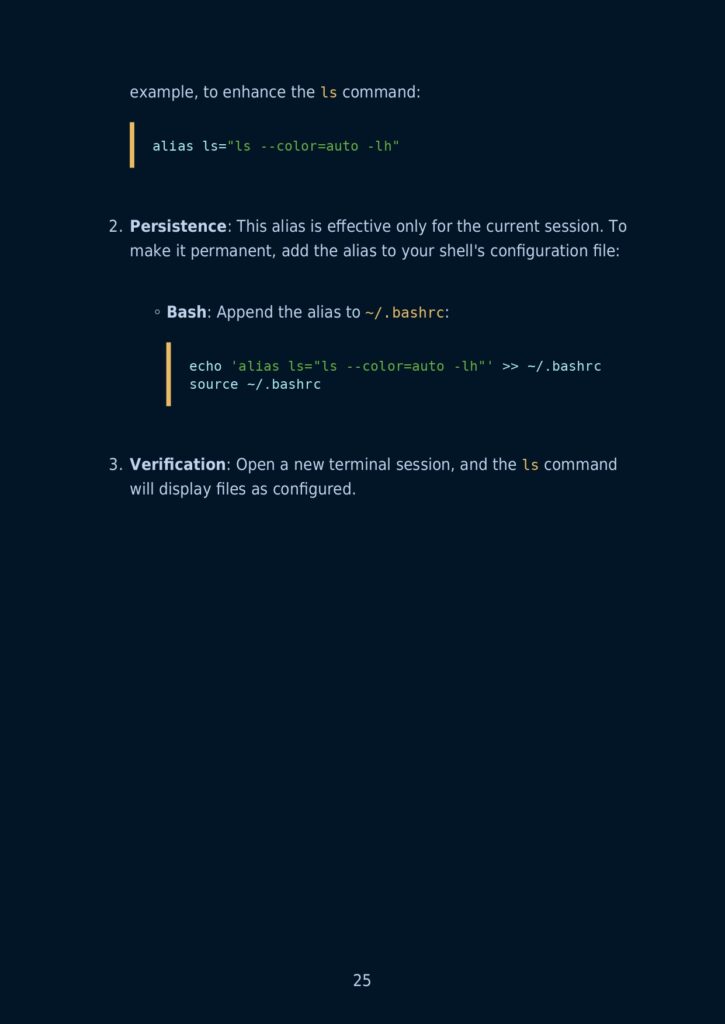
- The ls command
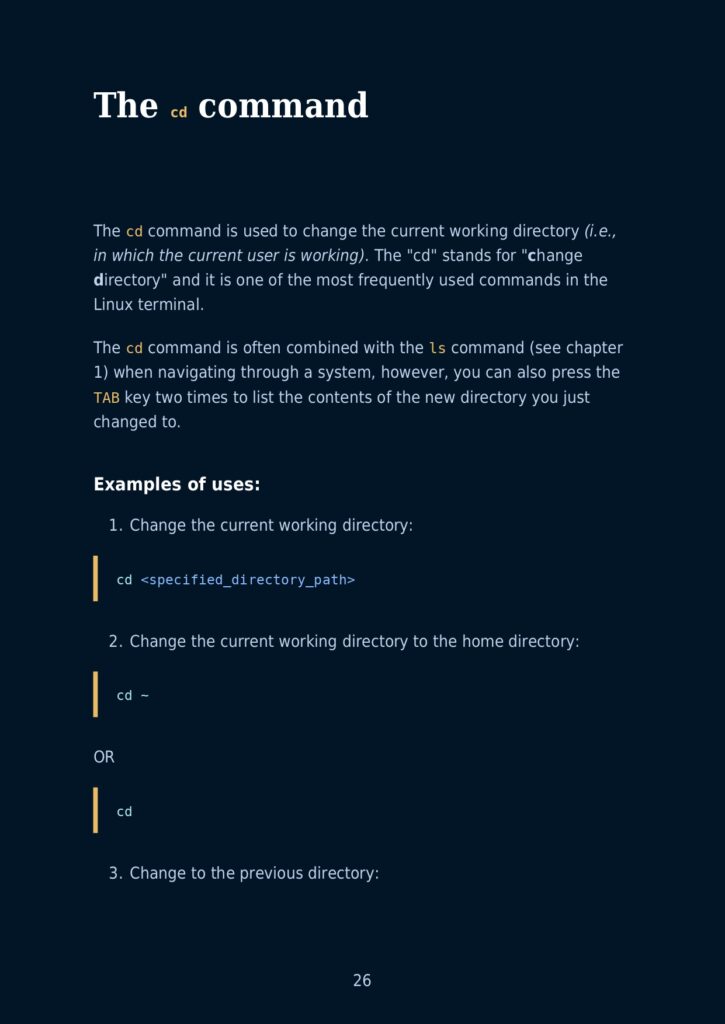
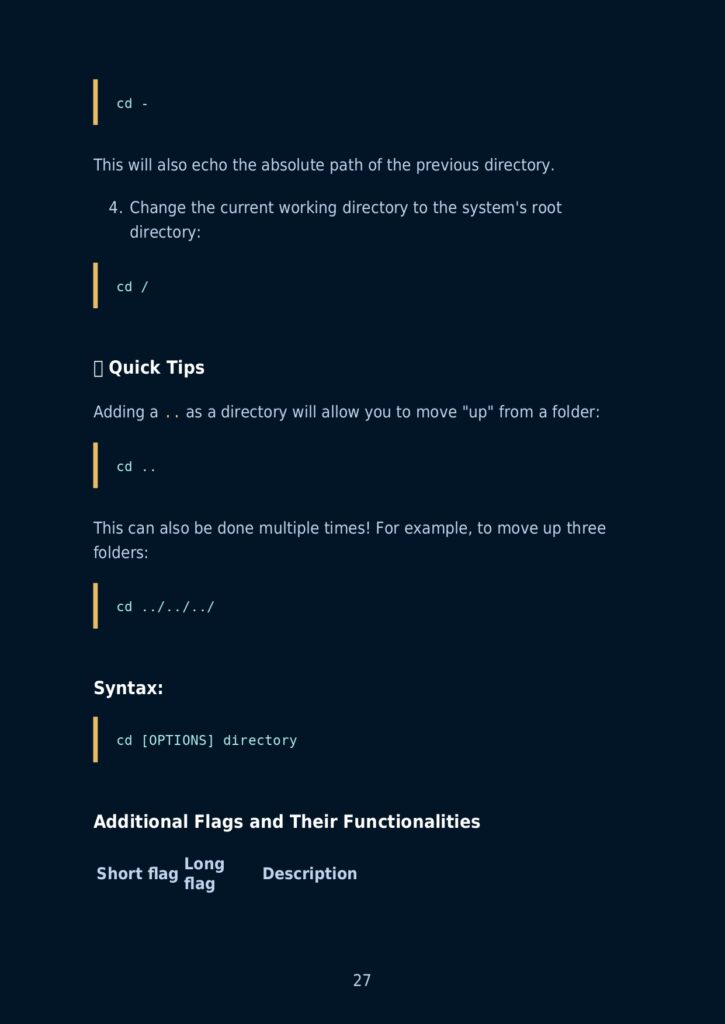
- The cd command
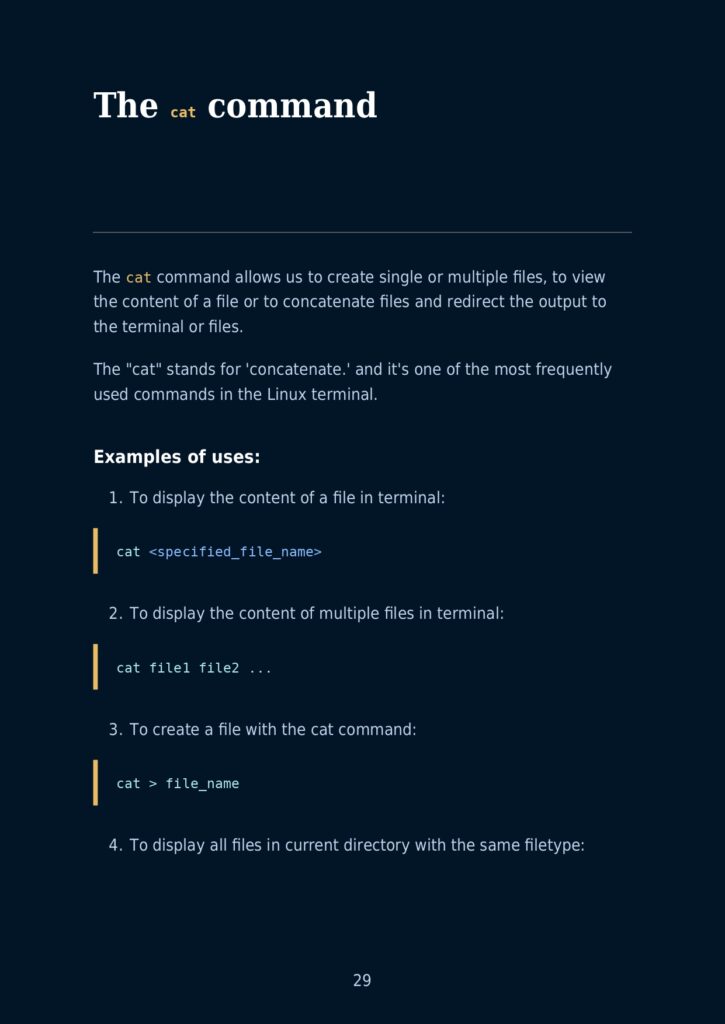
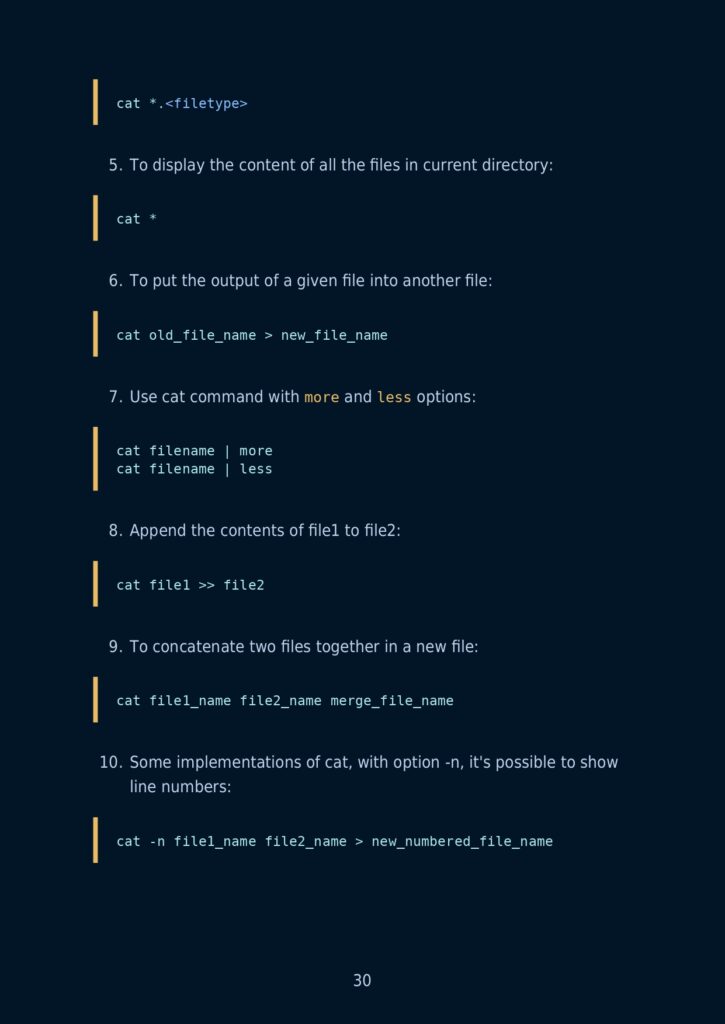
- The cat command
- The tac command
- The head command
- The tail command
- The pwd command
- The touch Command
- The cal Command
- The bc command
- The df command
- The help command
- The factor command
- The uname command
- The mkdir command
- The gzip command
- Usage
- Compress a file
- Decompress a file
- Compress multiple files:
- Decompress multiple files:
- Compress a directory:
- Decompress a directory:
- Verbose (detailed) output while compressing
- The whatis command
- The who command
- The free command
- Show memory usage
- Show memory usage in human-readable form
- The top/htop command
- Comparison between top and htop:
- Additional Flags and their Functionalities:
- The sl command
- The echo command
- The finger command
- The groups command
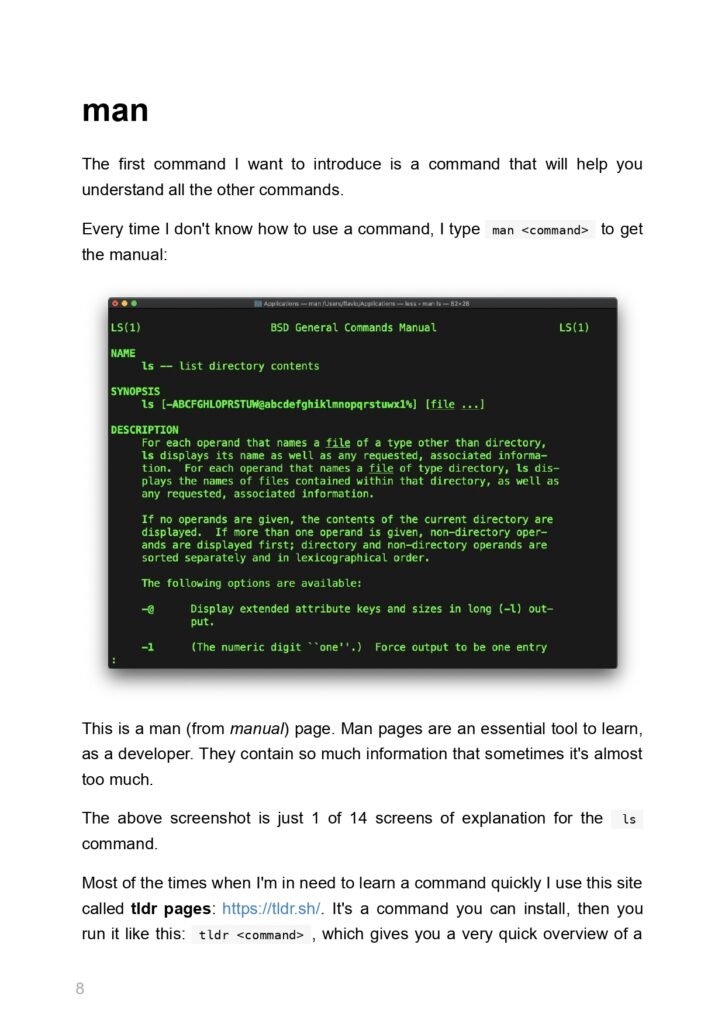
- The man command
- The passwd command
- The syntax of the passwd command is :
- options
- The w command
- The whoami command
- The history command
- The login Command
- Flags and their functionalities
- Iscpu command
- The cp command
- The mv command
- The ps command
- The kill command
- The killall command
- The env command
- Full List of Options
- The printenv command
- The hostname command
- The nano command
- The rm command
- The ifconfig command
- The ip command
- The clear command
- After executing clear command:
- The su command
- The syntax of the su command is :
- The wget command
- More options
- The curl command
- The syntax of the curl command is :
- The yes command
- The last command
- The locate command
- The iostat command
- The sudo command
- The apt command
- The yum command
- The zip command
- The unzip command
What’s Inside?
12 Critical Sections for Every Linux User:
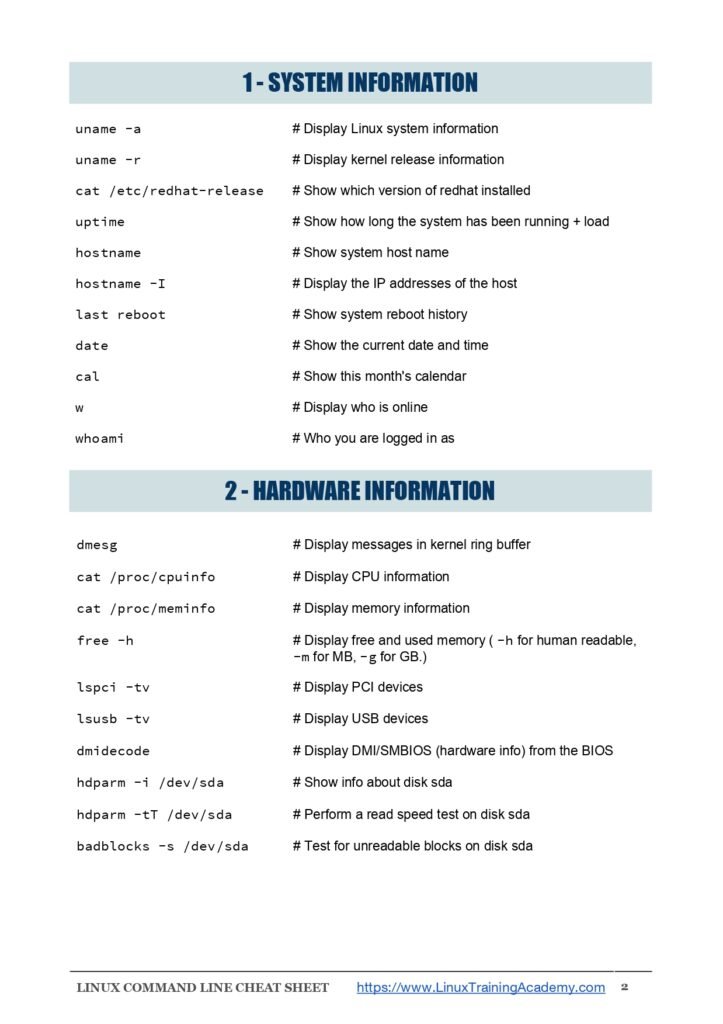
🔹 File & Directory Mastery
- Create, delete, rename:
touch,rm,mv. - Permissions:
chmod,chown,umask.
🔹 Process Control
- Monitor with
htop,ps,kill. - Prioritize tasks:
nice,renice.
🔹 Networking Essentials
- Troubleshoot with
curl,ping,traceroute. - Secure connections:
ssh,scp,iptables.
🔹 User & Group Management
- Add users:
useradd,passwd. - Group roles:
usermod,gpasswd.
🔹 Package Management
- APT/YUM/DNF: Install, update, purge.
- Python tools:
pipbasics.
🔹 Shell Scripting
- Automate tasks with loops, conditionals, and variables.
🔹 System Monitoring
- Disk usage:
df,du. - Performance:
vmstat,iostat,dmesg.
PLUS: Text processing (grep, awk), archives (tar, gzip), and Git basics!
Sample Command Deep Dive
Command: rsync -avz --progress /source /destination
- What it does: Sync files with compression and progress tracking.
- Pro Tip: Use
--deleteto mirror directories (caution!).
Why You’ll Love This Guide
✅ Hands-On Examples: Every command includes real-world use cases.
✅ Syntax Simplified: Break down complex flags (e.g., tar -xvzf).
✅ Time-Saver: Skip Stack Overflow—find answers in seconds.
✅ Career Boost: Impress interviewers with CLI fluency.
Free Download
Prepared by: Waleed Mousa
Format: 300-page PDF (Print-friendly & hyperlinked for digital use).
Preview pages

Ready to start reading?
Free PDF · 300 pages · hosted on Google Drive